

Description
Build Your Own Light-Up Christmas Scene
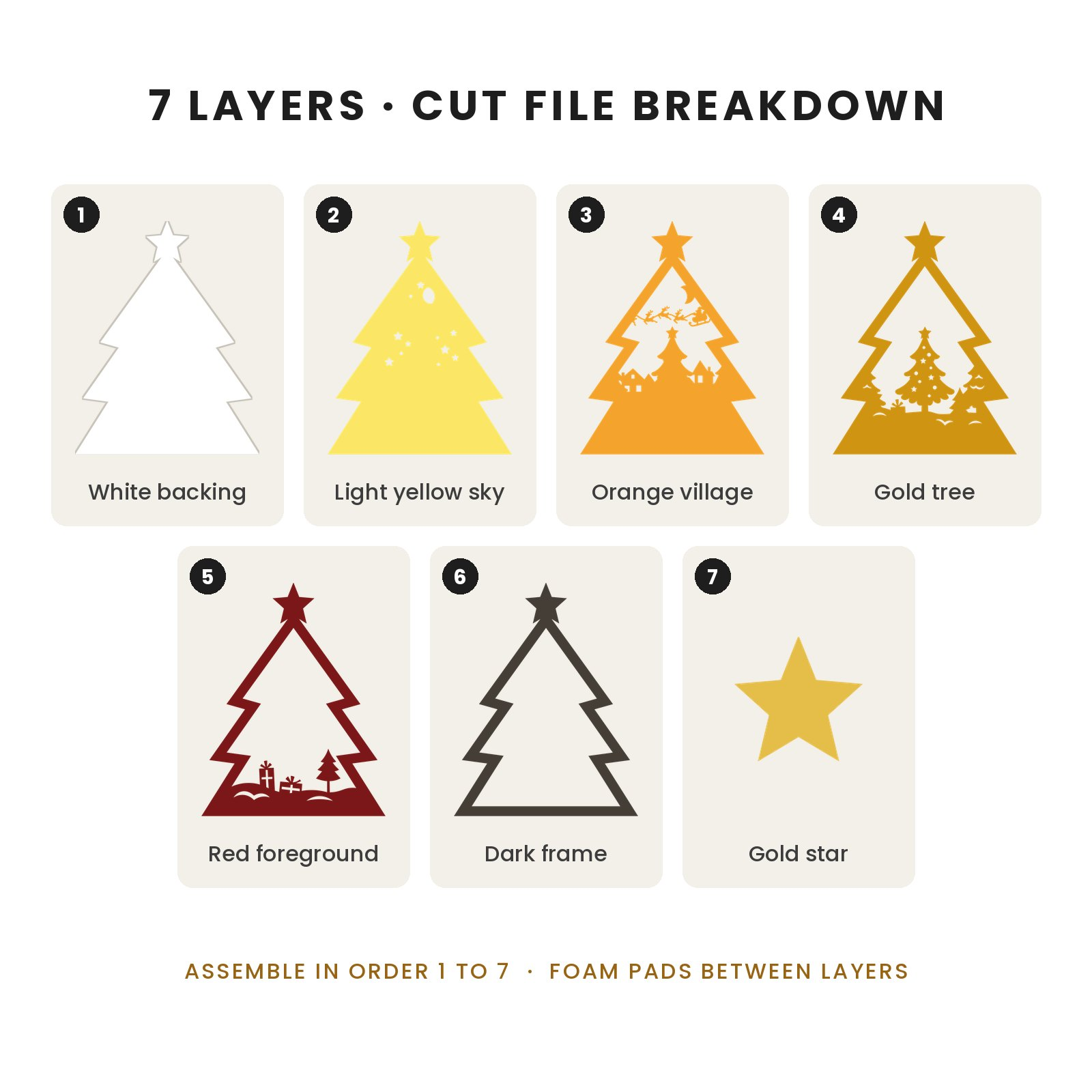
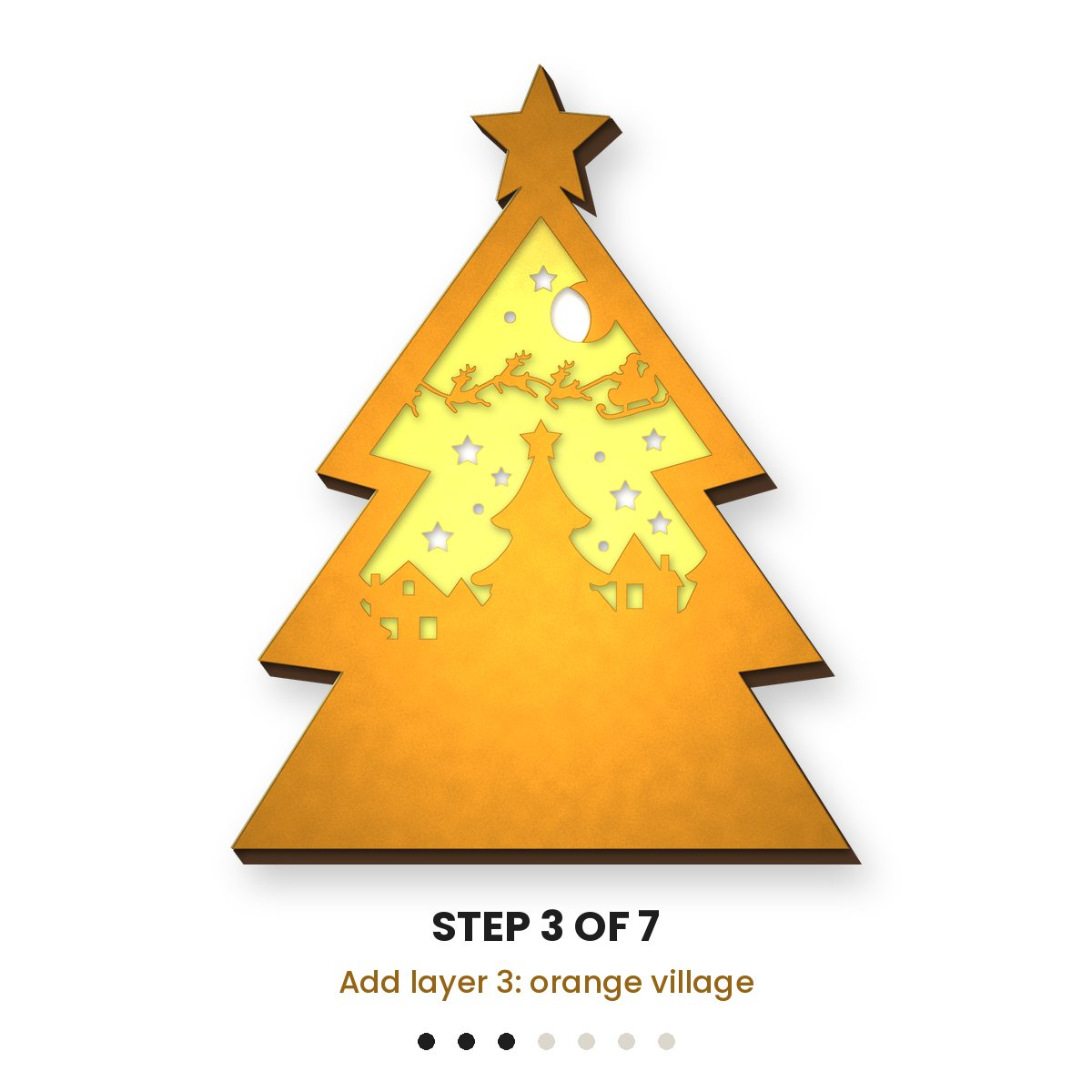
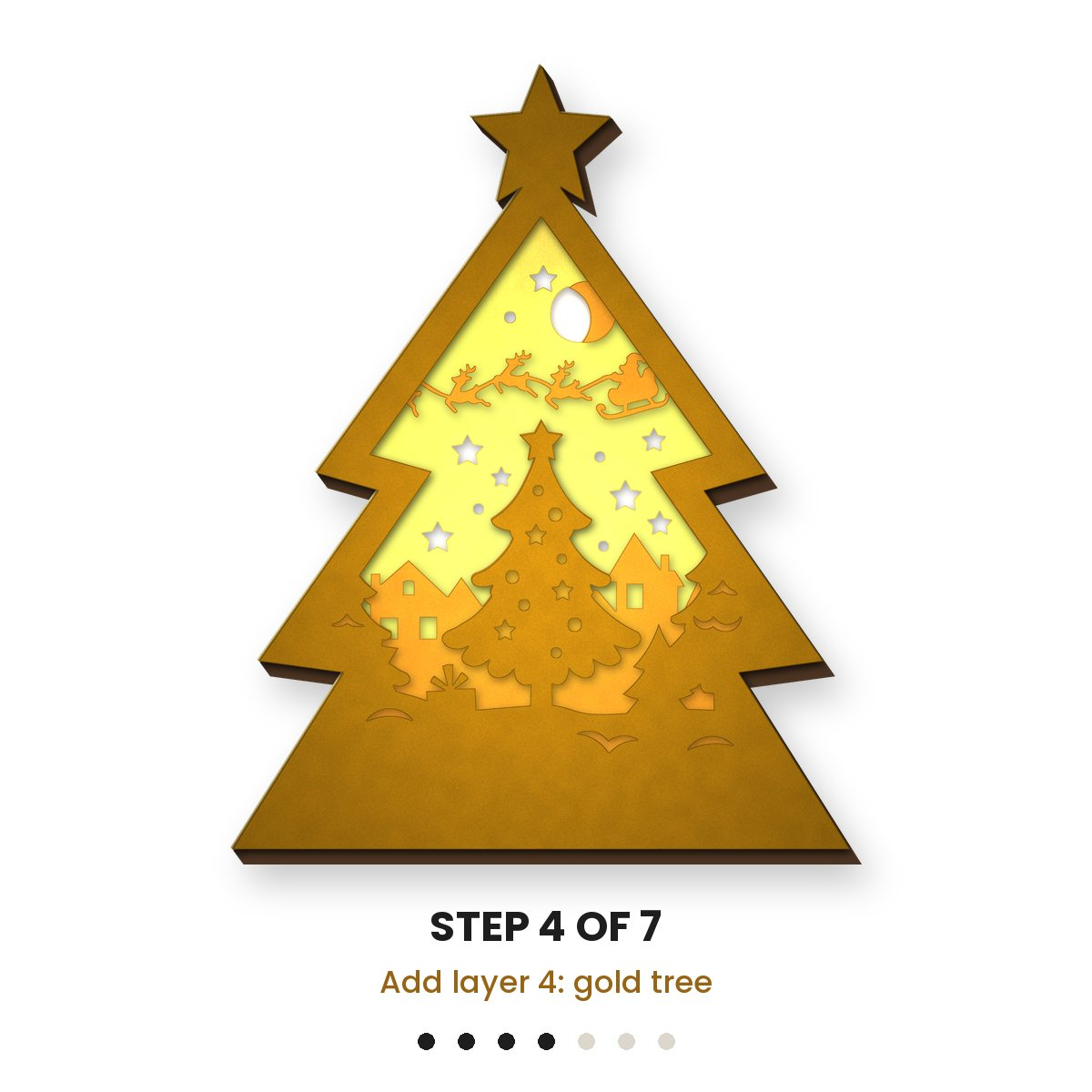
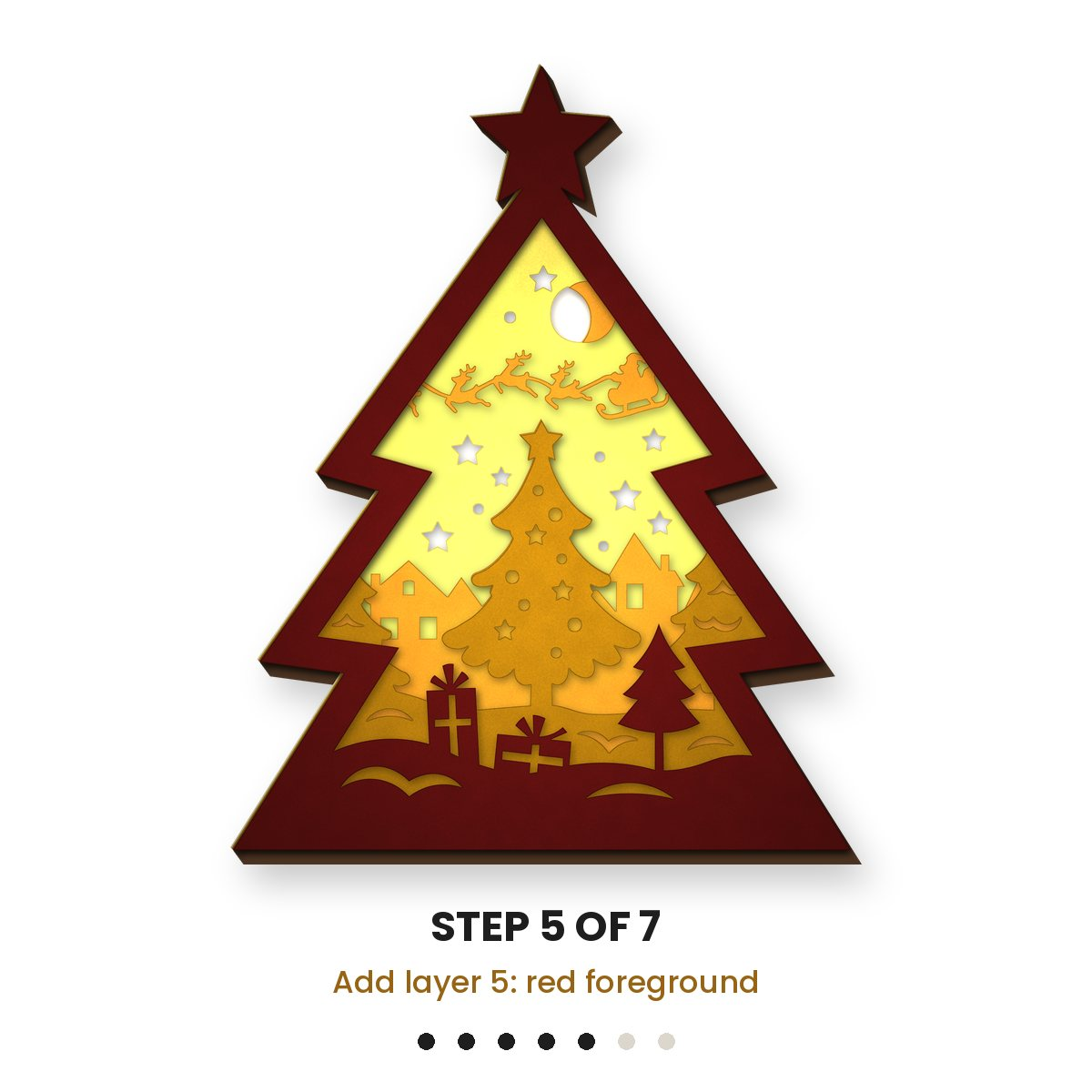
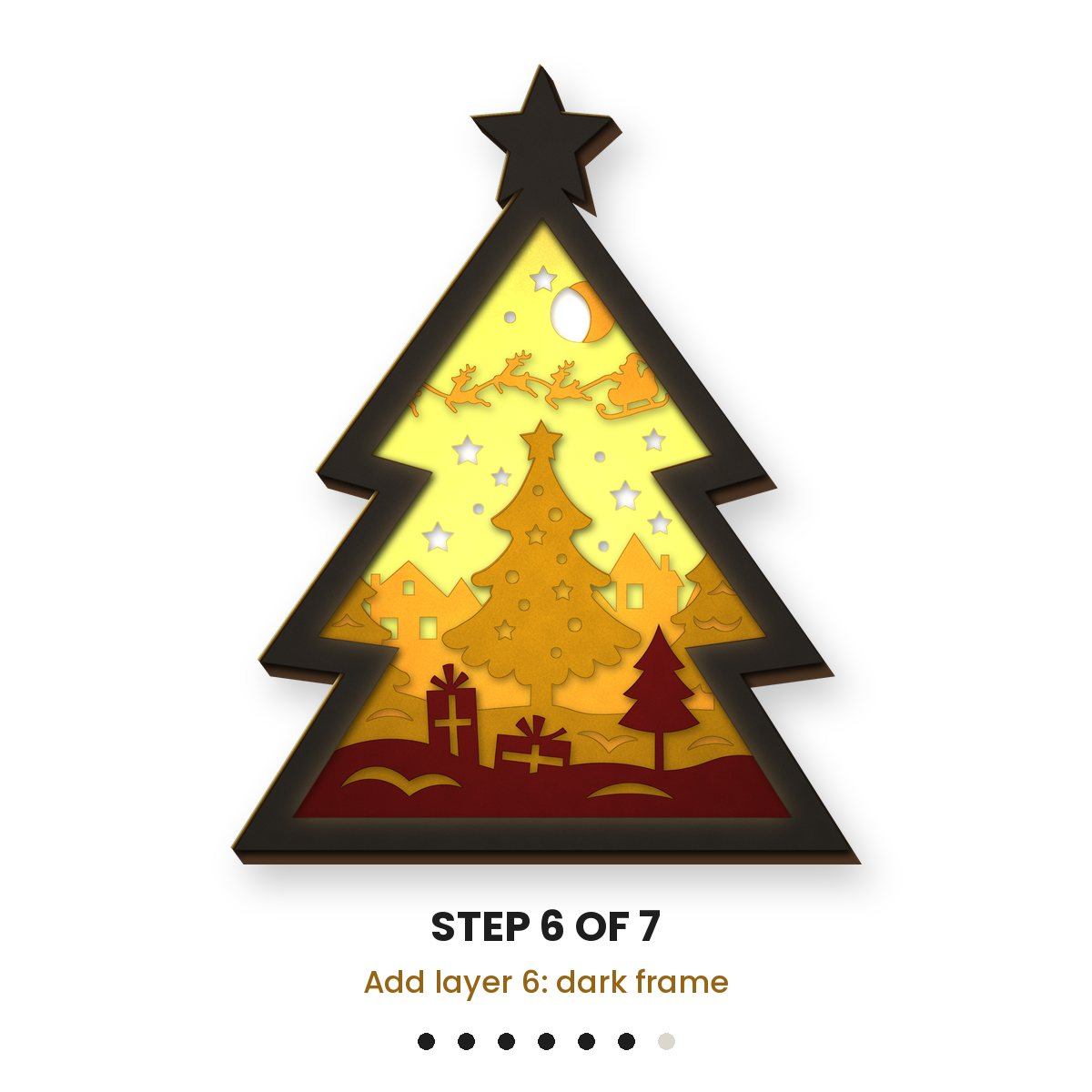
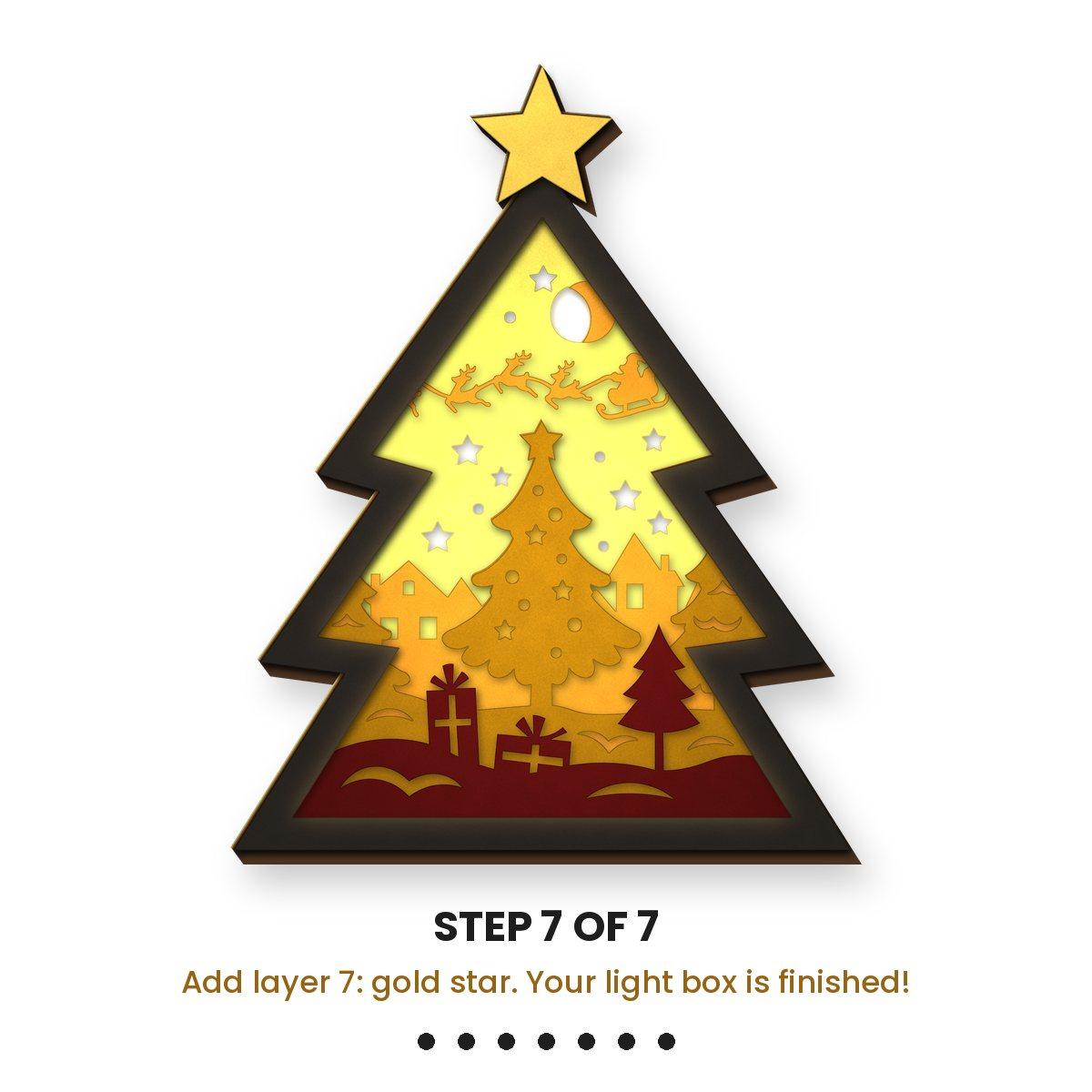
This shadow box is made from eight paper layers, and every layer adds another part of the picture. At the back, Santa’s sleigh passes in front of the moon. In the middle sits a row of small snow-topped houses. At the front, a decorated tree stands over a pile of presents. Put a string of lights behind the last layer and the whole scene shines through in a soft golden glow.
Stand it on a shelf, a sideboard or a windowsill, use it as a gentle night light through December, or give it to someone who appreciates a handmade gift.
In Your Download
- One instant download with SVG, DXF and PNG versions
- 8 layers that stack into a 3D scene
- Opens in Cricut Design Space, Silhouette Studio and Brother ScanNCut
- Fits A4 or 12×12″ cardstock
- Commercial licence included
Materials and Tools
- Cutting machine such as a Cricut Maker, Explore or Joy, or a similar model
- 8 cardstock sheets in colours you like
- Standard grip cutting mat
- Fine-point blade in good condition
- Foam pads or spacers
- Battery LED strip or fairy lights
- Glue
The stars and reindeer are small, so a sharp blade and a sticky mat make a real difference. If yours have seen better days, take a look at our Cricut-compatible blade sets and cutting mats.
Step by Step
- Import the file into Design Space or your own machine’s software, then confirm it fits your cardstock size.
- Cut all eight layers. Pale shades at the back and deeper shades at the front let the most light through.
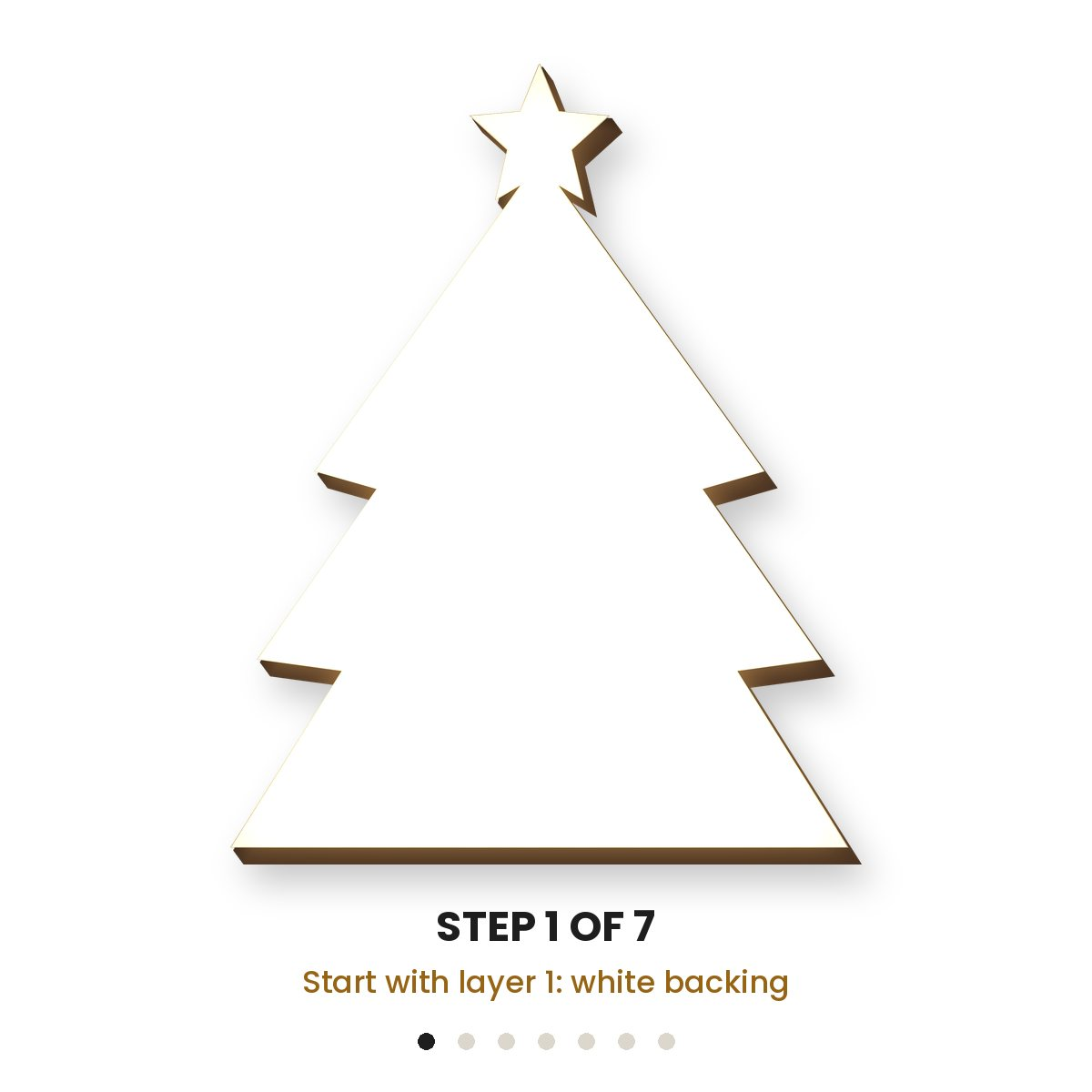
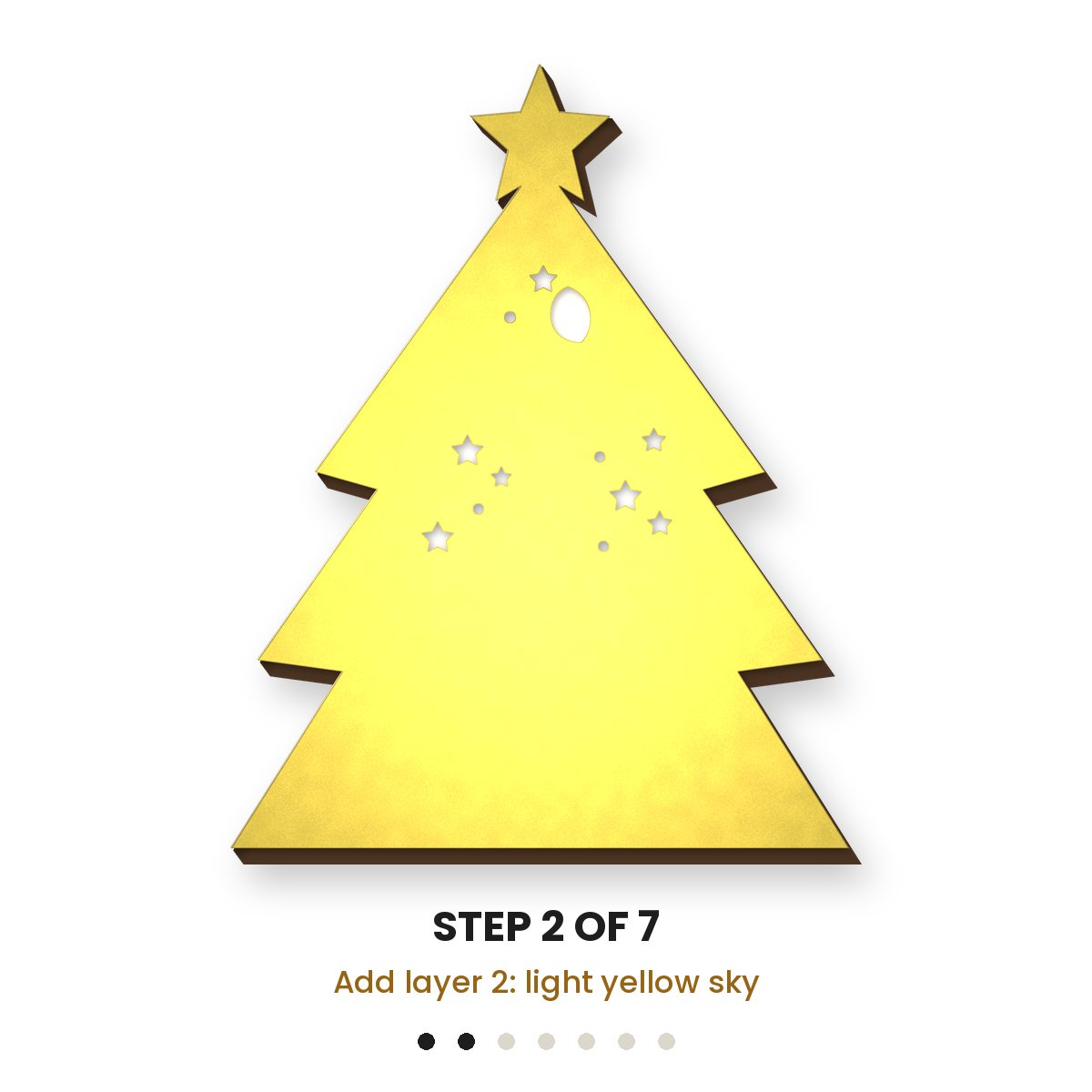
- Assemble in order, placing foam pads between layers so each one sits a little further forward.
- Fix the lights behind the rear layer and turn them on.
Three Things That Help
- Choose cardstock of 250–300 gsm. Thinner paper tends to bow.
- Pick warm white LEDs for the golden look in our photo.
- Lift out the tiny pieces slowly with a weeding tool, particularly around the stars and reindeer.
An Evening Project, Solo or Together
It suits a quiet night of crafting on your own, and it also works well as a family activity, with an adult running the cutting machine and everyone else stacking and gluing.
Selling Your Finished Light Boxes
The commercial licence comes with the file at no added cost, so you are welcome to sell what you make. Try several colour combinations and offer them at Christmas markets, in your Etsy shop or to people you know.
First in Our Weekly Christmas Series
We release a new Christmas Cricut project each week in the run-up to Christmas, and this light box opens the series. Subscribers to our newsletter receive every design free: sign up to get this week’s code and each new release as it comes out.
Our UK sister shop runs the same series: see its Christmas SVG files and Cricut projects.

Reviews
There are no reviews yet